
1. Prompt Engineering: Fix a “Bad” AI Response
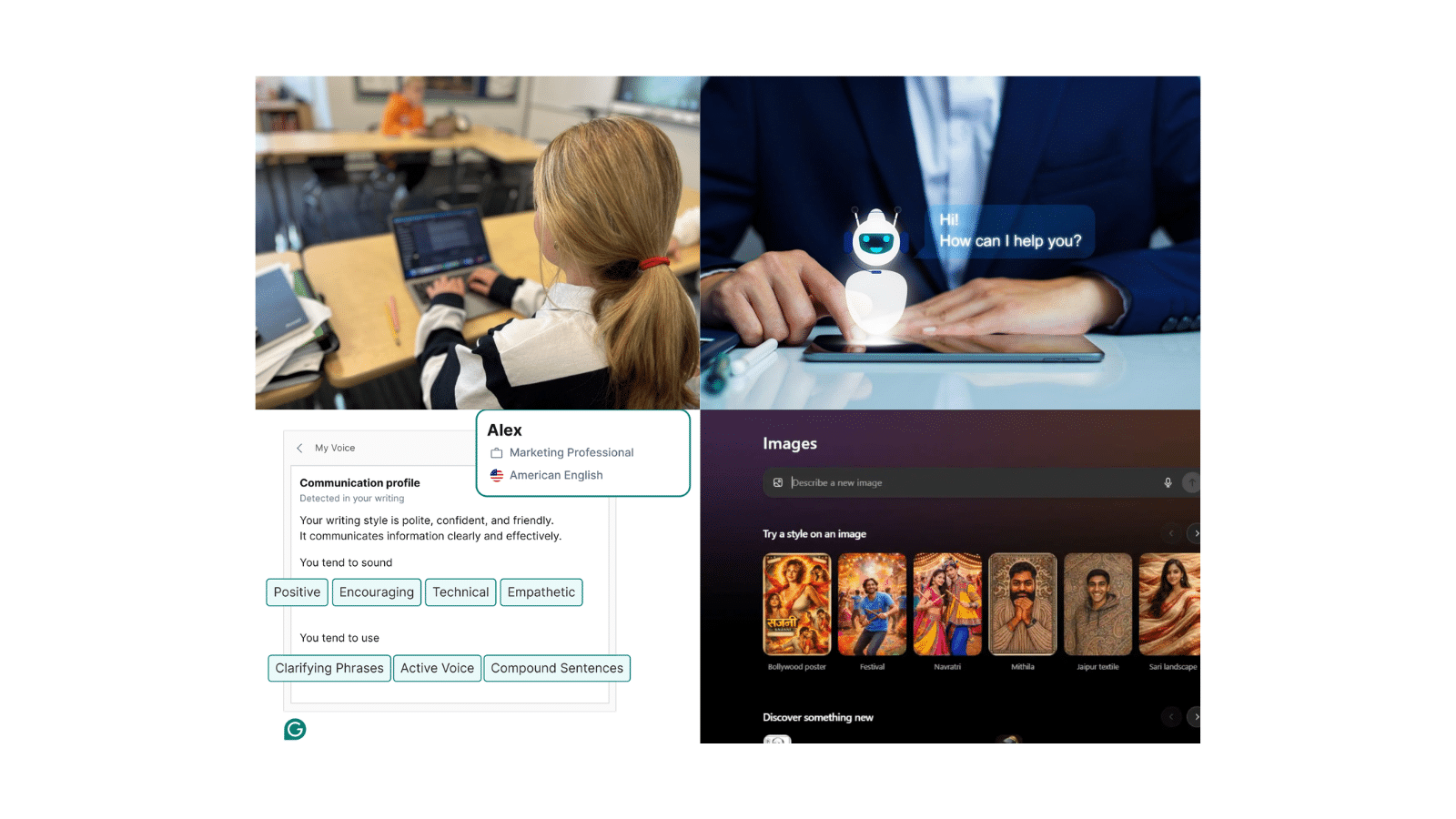
Course: Intro to Prompt Engineering (High School) What students do: Students are given a weak or unclear prompt and its AI-generated output. Their task is to improve the prompt to get a better result. Example activity: Original prompt: “Write about climate change” Improved prompt: “Write a 120-word explanation of climate change for middle school students, including one real-world example.” What students learn:- How prompts control AI output
- Why AI responses improve with better instructions
- The role of specificity, tone, and structure
2. AI Image Generation Challenge
Course: Intro to AI Tools (Image Generation Unit) What students do: Students generate images using AI tools based on specific prompts. What they learn:- Creativity within AI systems
- How prompts influence outputs
- Bias and interpretation in AI-generated content
3. Chatbot Exploration and Comparison
Course: Intro to AI Tools (Chatbots + NLP Foundations) From: AI Chatbots – Exploration and Reflection What students do: Students interact with two different chatbot platforms and compare responses to the same prompt. Example activity: Ask both chatbots: “Explain how machine learning works in simple terms.” Students evaluate:- Accuracy
- Creativity
- Clarity
- How conversational AI works (NLP basics)
- Critical evaluation of AI outputs
- Differences between AI systems
4. AI Writing Assistant Experiment
Course: Intro to AI Tools (Writing Assistants + Real-World Applications) What students do: Students use an AI writing tool to generate content, then revise and improve it. What they learn:- Responsible AI use
- Strengths and limitations of AI-generated text
- Editing and critical thinking skills
- Generate a product description or short blog paragraph
- Improve tone, clarity, or audience targeting
- AI as a drafting tool, not a final answer
- Editing and iteration skills
- How AI supports real-world tasks like marketing or communication
5. AI Ethics Scenario: Bias in AI Systems
Course: Intro to AI Concepts + AI Ethics and Bias What students do: Students analyze a scenario where AI decisions may be biased and propose solutions. Example activity: Scenario: An AI hiring tool favors certain candidates over others. Students discuss:- What caused the bias?
- How can it be fixed?
- How bias enters AI systems
- The importance of data and fairness
- Responsible AI decision-making
What These Projects Build
Even in a single class period, students begin developing:- AI literacy and foundational understanding
- Awareness of real-world AI applications
- Problem-solving and critical thinking
- Confidence in using new technologies
Bringing AI Into Your Classroom with LocoRobo
These projects are just a starting point. LocoRobo’s AI curriculum expands into full classroom pathways with structured lessons, assessments, and guided projects. Educators get:- Ready-to-use AI lesson plans and activities
- Hands-on projects across image generation, chatbots, writing, and data analysis
- Courses in prompt engineering, AI tools, and real-world applications
- Built-in support for teaching AI without prior experience
Frequently Asked Questions
How can schools introduce AI without adding another full course?
Short AI projects give schools a practical starting point. Teachers can introduce concepts like chatbots, prompt engineering, or AI image generation within existing STEM, computer science, or CTE classes without needing to redesign their schedule.
What makes beginner AI projects effective for middle and high school students?
Students learn best when they can test ideas and see results immediately. Activities like comparing chatbot responses or improving AI prompts make AI concepts easier to understand while keeping students actively engaged.
Why are schools adding AI into STEM and CTE programs?
AI is becoming part of industries students already interact with, including healthcare, business, cybersecurity, robotics, and engineering. Schools are introducing AI earlier to help students build technology literacy, problem-solving skills, and awareness of emerging career pathways.
How does LocoRobo help schools teach AI?
LocoRobo provides structured AI curriculum, guided projects, teacher support, and classroom-ready resources designed for K-12 implementation. Schools can start with simple AI activities and expand into larger pathways covering AI tools, prompt engineering, machine learning, and real-world applications.